
Study Table Malaysia: How to Choose the Right Desk
A practical study table Malaysia buying guide: the right size, desk height and ergonomics, humidity-resistant materials, storage and factory-direct value.
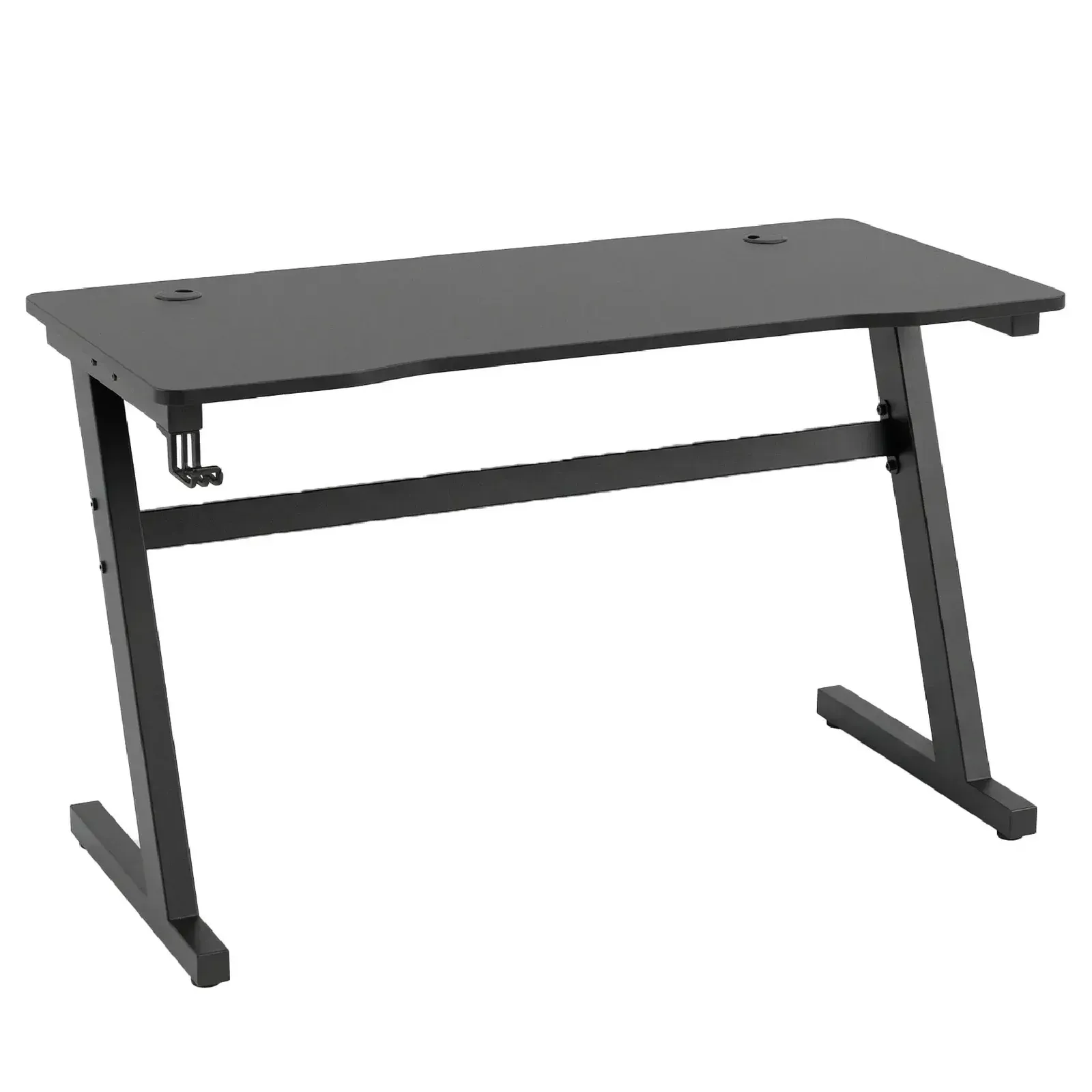
A good study table quietly shapes how well you or your child works — the right height keeps posture healthy over long hours, the right depth keeps a screen at a safe distance, and the right material survives our humidity. Choosing a study table in Malaysia means balancing all of that against real constraints: compact condos, shared bedrooms and a climate that punishes flimsy furniture. As a Malaysian factory that builds study tables and home-office pieces for local homes, here is a clear, step-by-step buying guide.
Who is the study table for?
Before you look at any desk, be honest about who sits at it and what they do there. The right study desk for a primary-school child is very different from a work-from-home command centre — and buying the wrong one is an expensive mistake to undo.
- School and university students need a sturdy surface for a laptop, textbooks and writing at the same time — and enough drawer or shelf space to keep clutter off the work zone.
- Work-from-home adults usually want a wider desk for a monitor (or two), a keyboard and paperwork, plus cable management and a chair rated for full working days. A dedicated home-office desk often makes more sense than a small study table here.
- Younger children benefit from a lower, right-sized desk (or a height-adjustable one that grows with them) so their feet reach the floor and their elbows sit at the correct level — the foundation of good posture from an early age.
The right size and depth for small Malaysian homes
In a condo or a shared bedroom, the study table has to earn its footprint. Too small and books, a laptop and a lamp fight for space; too deep and it eats the walkway. Measure the wall or corner it will live in first, then choose the largest usable top that still leaves clear circulation around it.
- Width: around 100–120 cm suits most students — enough for a laptop plus an open book beside it. A WFH desk with a monitor is happier at 120–140 cm. In a tight room, 80–90 cm still works for a laptop-only setup.
- Depth: aim for at least 60 cm. This lets you push a monitor back to a safe eye distance (roughly an arm's length) and still have room to write in front of it. Shallower than 50 cm and a screen ends up uncomfortably close.
- Leave clearance behind the chair. Allow around 70–90 cm behind the desk so the chair can be pushed back and someone can walk past — easy to forget when you measure only the desk itself.
- Use corners and walls. An L-shaped or corner study table turns dead corner space into a generous work surface, and a slim desk against a wall keeps the middle of a small room open.
Desk height and ergonomics: match the chair
Ergonomics is where a study table protects health, not just productivity. The general standard for a fixed adult desk is roughly 72–76 cm tall, designed to pair with a chair seat around 42–48 cm. The desk and chair are a system — buy them to work together, not separately.
- Elbows at about 90 degrees. When seated, your forearms should rest level with the desktop and your shoulders stay relaxed, not hunched or reaching up.
- Feet flat on the floor with thighs roughly parallel to the ground. If a child's feet dangle, add a footrest or choose an adjustable-height desk and chair.
- Screen at eye level. The top of the monitor should sit around eye height and about an arm's length away — another reason depth matters. A laptop stand plus a separate keyboard fixes most laptop neck strain.
- Knee clearance. Check there is room under the top for legs, and that a drawer apron does not block the thighs — a common problem with cheap desks.
A desk that is 2 cm too high forces the shoulders up for years. Get the height and the chair right first — everything else on the desk is secondary to how the body sits at it. — TD Furniture
Materials that survive Malaysia's humid climate
Our year-round humidity is hard on furniture, and a study table takes daily abuse — sweaty forearms, spilled drinks, a desk pushed against a sometimes-damp wall. The material decides how long it stays flat, clean and solid.
Engineered wood and laminate
Most modern study tables use engineered wood (particleboard or MDF) finished with a tough laminate or melamine surface. Done well, this is an excellent choice for Malaysia: the laminate wipes clean, resists moisture and scratches, and the board is dimensionally stable so it will not warp like solid timber in humid conditions. The keys to quality are a properly sealed edge banding (so moisture cannot creep into the core) and a thick, dense board rather than a hollow one.
Solid wood
Solid wood is warm, premium and repairable — scratches can be sanded and refinished. Its weakness is our climate: real wood expands and contracts with moisture, so it needs a good seal and stable, well-dried timber to avoid cracking or movement. It is a lovely choice for a feature desk, but for a hard-working children's or student table, a well-made laminate top usually gives better value and lower maintenance.
Storage: drawers, shelves and cable management
A clear desktop is a productive one, so storage is not an afterthought. Think about where books, stationery and cables actually go before you buy.
- Drawers keep stationery and small items out of sight. A shallow top drawer plus one deeper drawer covers most needs; soft-close runners are worth having.
- Open shelves or a hutch above the desk store textbooks and files without stealing floor space — ideal in a narrow room where you can build upward instead of outward.
- Cable management. A grommet hole, a cable tray or even a simple clip keeps charger and monitor cables off the floor and out of the work zone — especially important for a WFH desk with multiple devices.
- A pedestal or side cabinet can be added later if needs grow, so you are not forced into an oversized desk on day one.
Fixed, height-adjustable or standing desk?
A fixed-height study table is the simplest, most affordable and most stable option, and it is all most people need — provided you match it to the right chair. Where flexibility pays off is in two cases: growing children and adults who want to alternate sitting and standing.
A height-adjustable desk earns its price for a young child, because one desk can grow through several school years instead of being replaced. A sit-stand desk suits work-from-home adults who sit for long stretches and want to stand periodically to ease the back. If you go adjustable, check the mechanism is smooth and, for standing desks, that the frame stays steady without wobble at full height.
Matching the study table to the room
A study table rarely stands alone — it lives in a bedroom, a corner of the living room or a dedicated home office, and it should read as part of that space. Coordinate finishes so the desk looks intentional rather than added-on.
- Bedroom study nook: match the desk's colour and wood tone to your bedroom set and wardrobe so the corner feels built-in. Our built-in wardrobe design guide shows how to fold a study nook neatly into a bedroom layout.
- Kids' rooms and shared spaces: a desk built under a raised or loft bed frees the floor entirely — see our bunk bed buying guide for study-above-bed setups that suit two children in one room.
- Home office: pair the desk with a proper task chair and matching storage from our office furniture range for a workspace that lasts full working days.
Why buy your study table factory-direct
As a Malaysian furniture maker since 2002, TD Furniture builds study tables, office and bedroom furniture and sells them factory-direct — so you pay factory pricing instead of layers of retail markup. Just as importantly, it means flexibility: you can customise the size to fit an awkward corner or a narrow condo wall, choose a humidity-ready laminate finish, and coordinate the desk with a wardrobe, bedroom set or office storage that matches. Come see and test the desks and chairs at any of our showrooms across Perak before you decide.
Frequently asked questions
What is the ideal study table height?
For an average adult, a fixed desk around 72–76 cm tall works well when paired with a chair seat of roughly 42–48 cm. The real test is your body: seated, your elbows should rest at about 90 degrees level with the desktop, and your feet should sit flat on the floor. For children, choose a height-adjustable desk or add a footrest so growing bodies stay supported.
How deep should a study desk be?
Aim for at least 60 cm deep. That lets you push a monitor back to roughly an arm's length — a safe distance for the eyes — while still leaving room to write in front of it. Anything shallower than about 50 cm tends to force the screen uncomfortably close.
Is engineered wood or solid wood better for a study table in Malaysia?
For most homes, a quality engineered-wood top with a good laminate finish is the more practical choice in our humid climate: it resists moisture and scratches, wipes clean and stays flat. Solid wood is warmer and repairable but moves with humidity and needs more care. Choose solid wood for a premium feature desk, laminate for a hard-working student or children's table.
